

Logo

What are you looking for?

Get help straight from our team...

How do I upload a photo or image to my account?

Account Support

How do I upload a photo or image to my account?

Last updated on 21 Feb, 2026

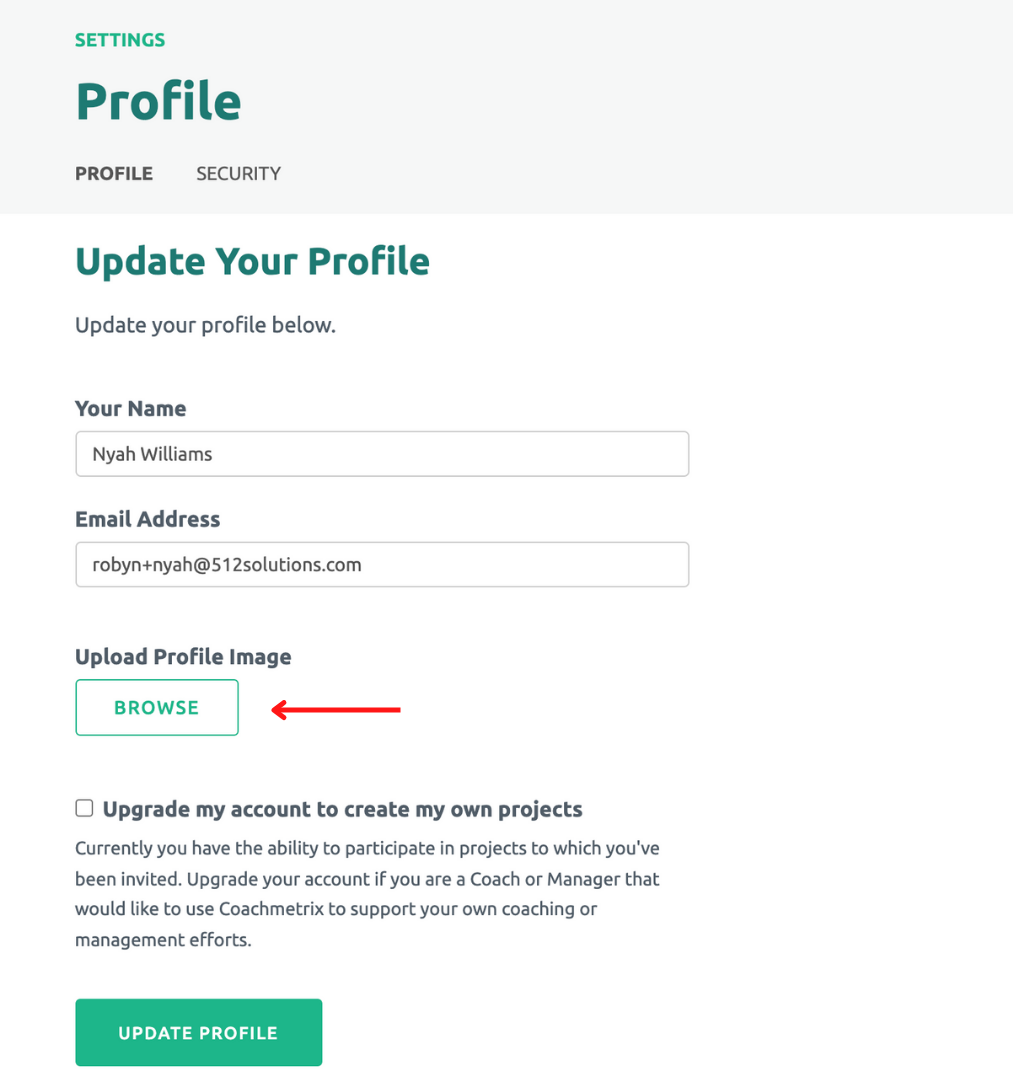
Once you have logged into you account, click on your name at the top right corner of the page. Select User Settings from the drop down menu. Under Upload Profile Image, click the Browse button to select your image or photo. Finally, click the green Update Profile button. 
Image
Did you find this article helpful?
Previous

Action Plan and Goal Setting

Next