

The Participant Journal is available to Participants via their Coachmetrix portal.
To start a new Participant Journal entry, click on the Journal link under the Participant's name. Next, click on the "Add Note" button on the right side of the screen.

The Journal allows Participants to create a title and space for thoughts and reflections through text, images or files. These entries are confidential unless they are shared with the Coach.
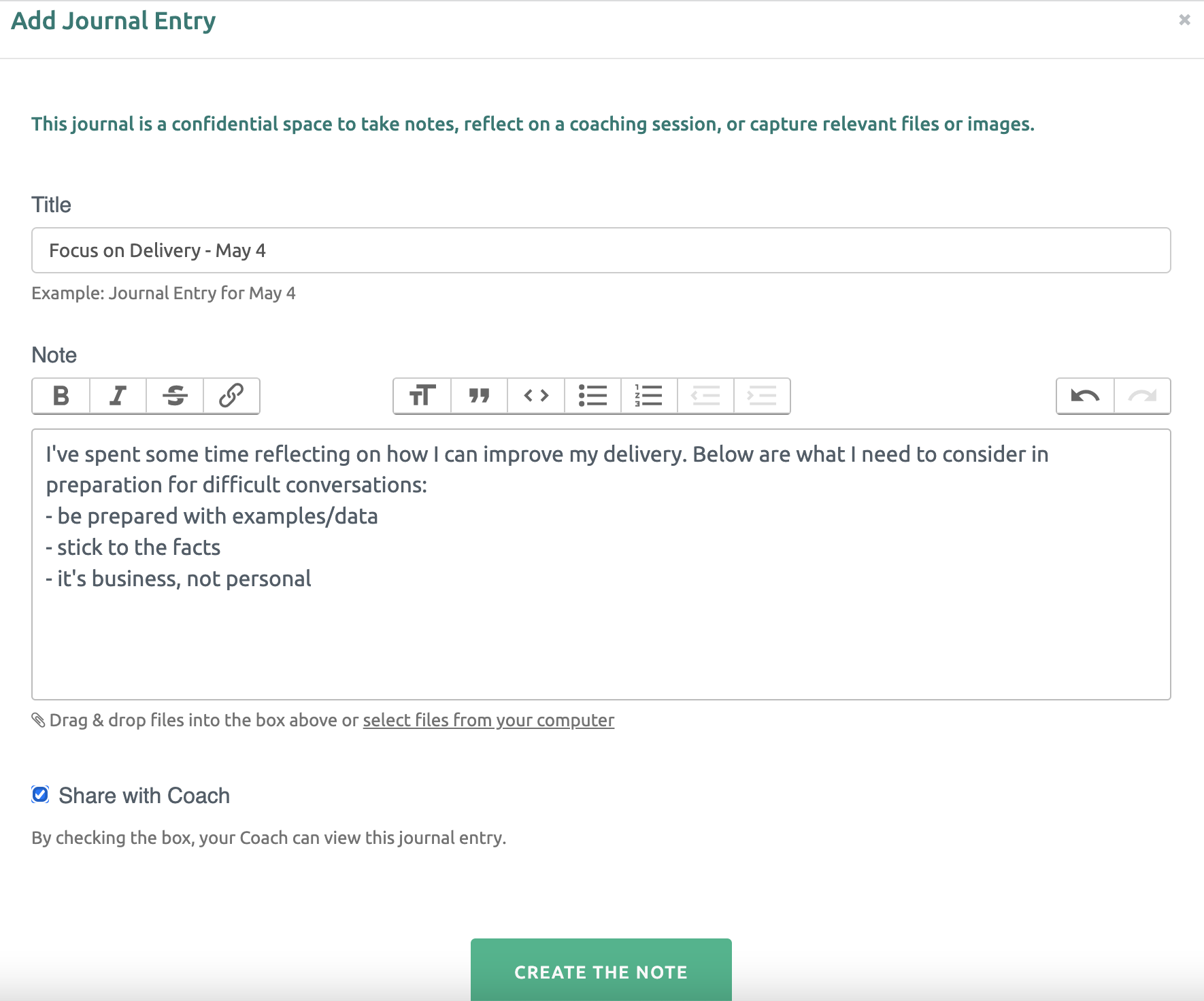
Coaches may request their Participants periodically share these Journal entries with them or a Participant may choose to do so independently. Once a Participant has shared a Journal entry, it becomes visible to the coach below their own Private Notes specific to the individual Participant.
Journal entries will be displayed on the Journal page.
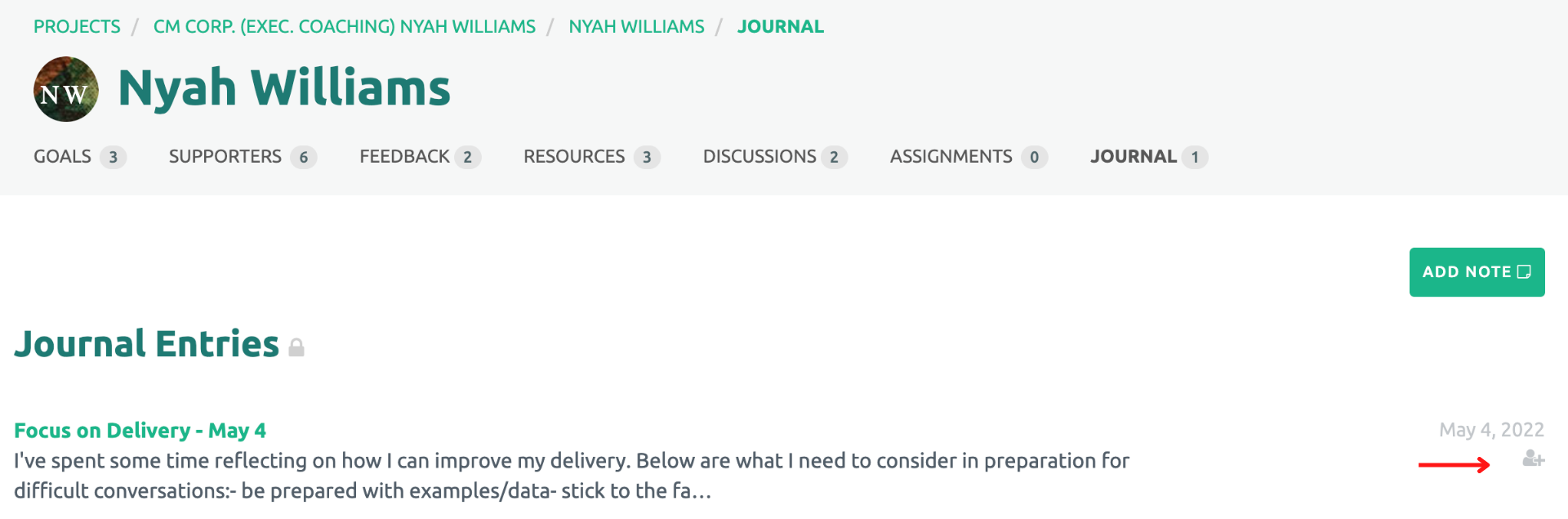
NOTE: the entries that have been shared with a Coach will include an icon under the date.