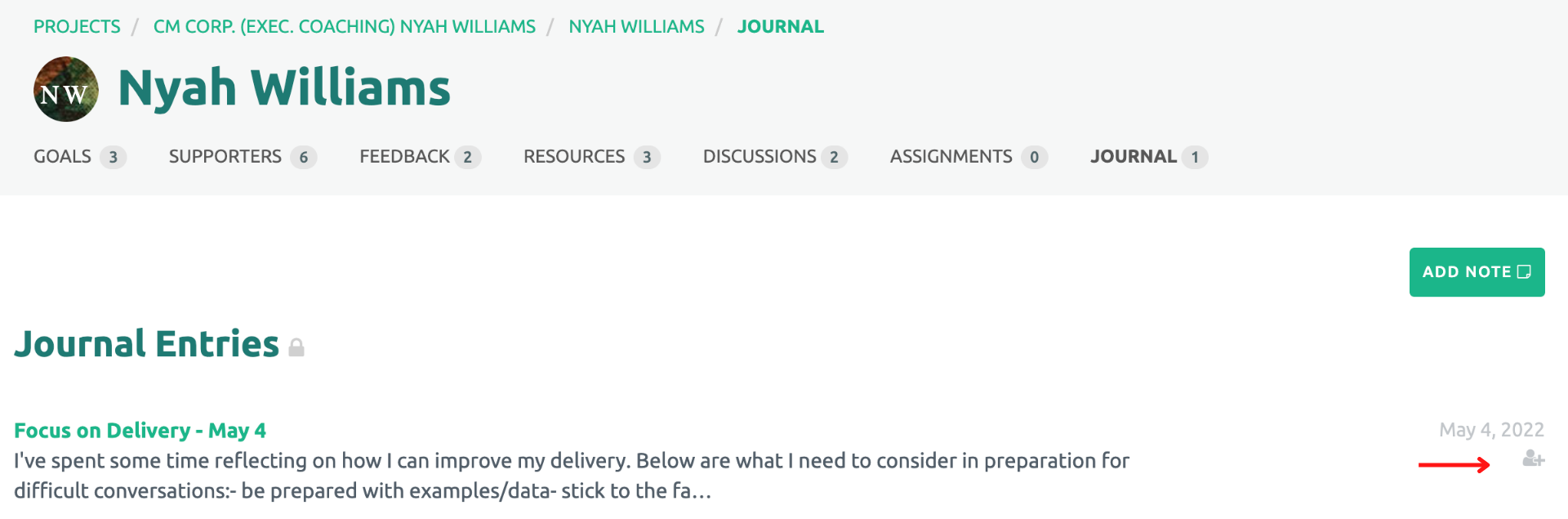
The Participant Journal was developed so each Participant has confidential space to journal, reflect on a coaching session, capture relevant files or images.

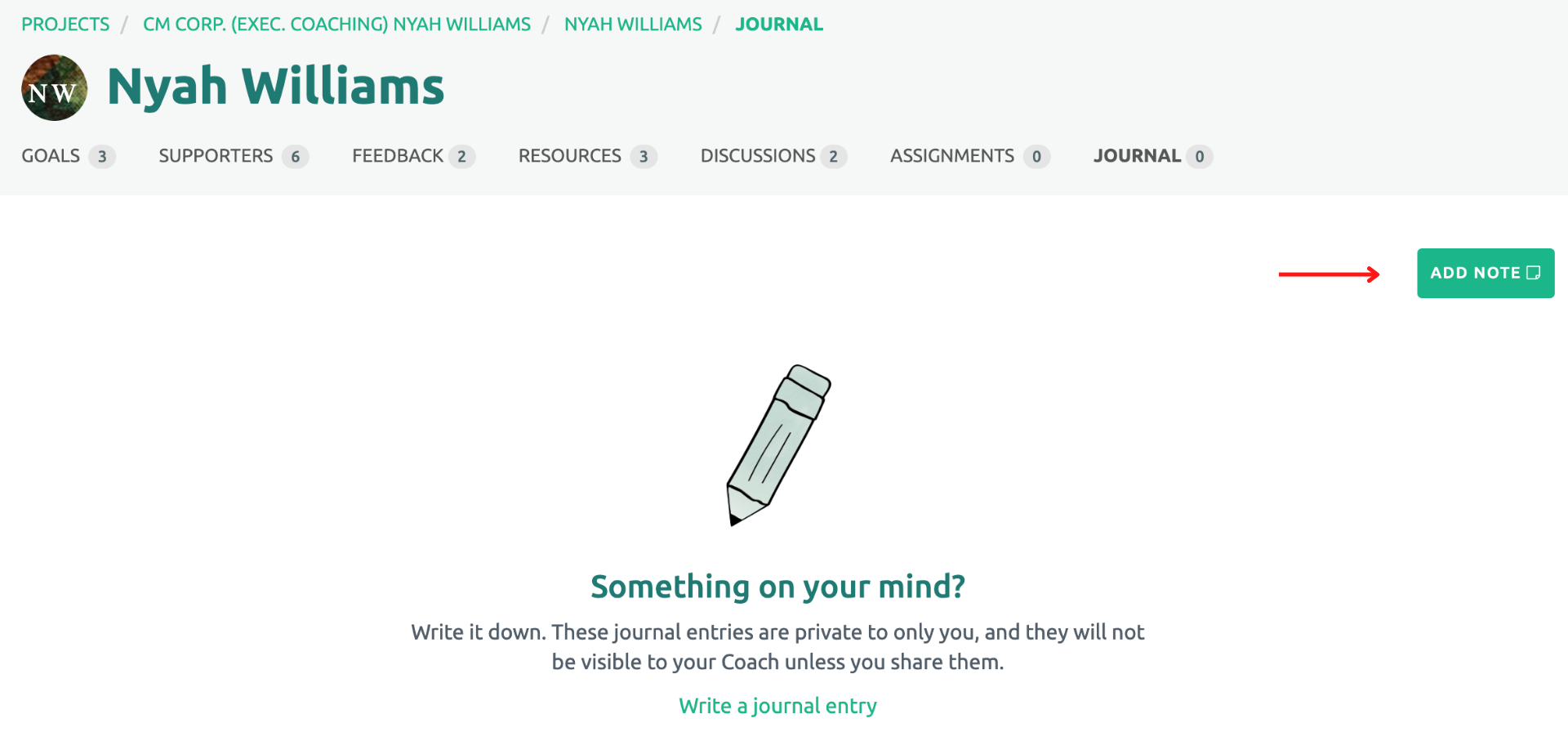
To create a new Participant Journal entry, click on the Journal link under the Participant's name. Next, click on the "Add Note" button on the right side of the screen.
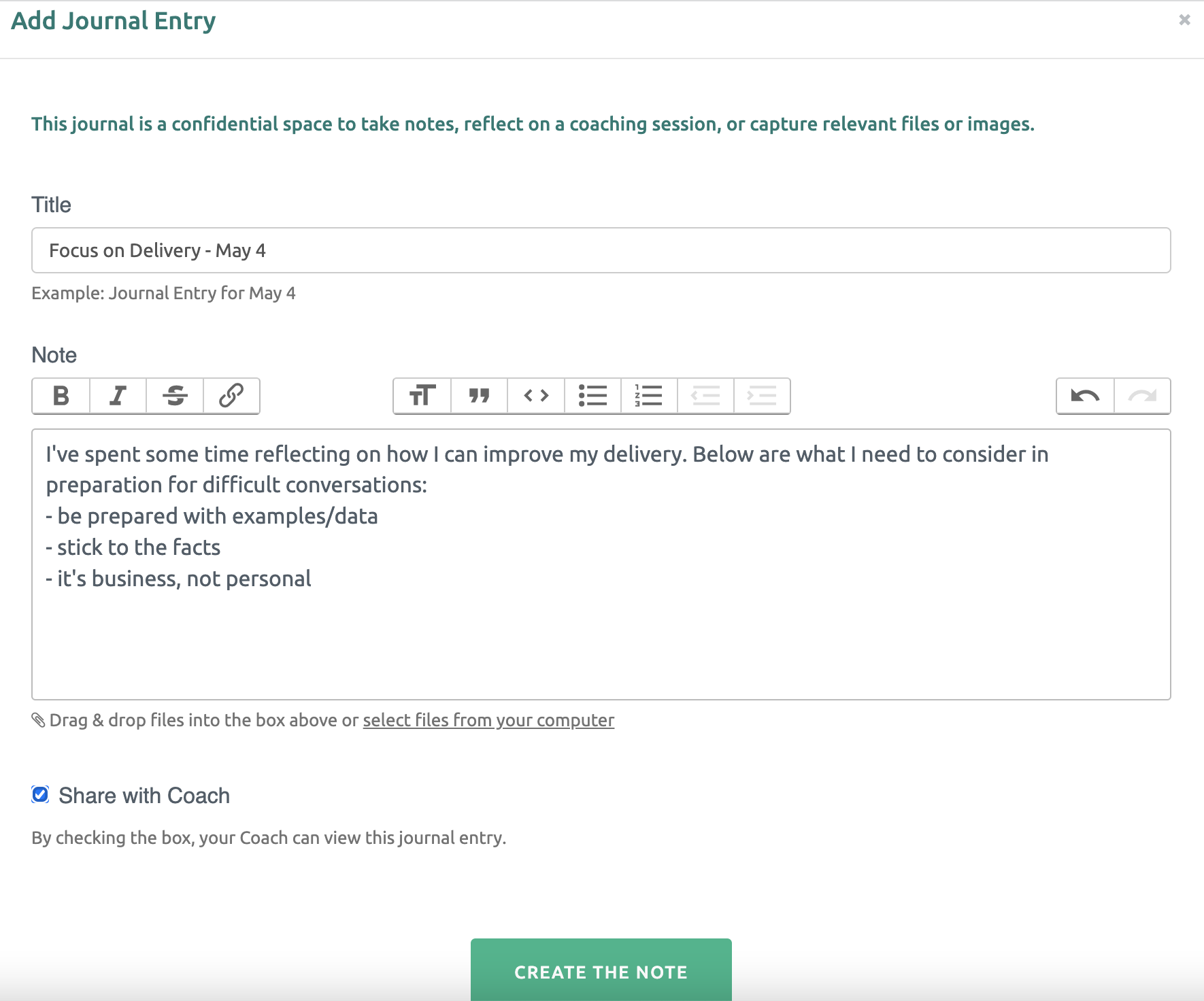
Within the template, enter a title and the information to be saved. Click on the “Create the Note” button at the bottom.
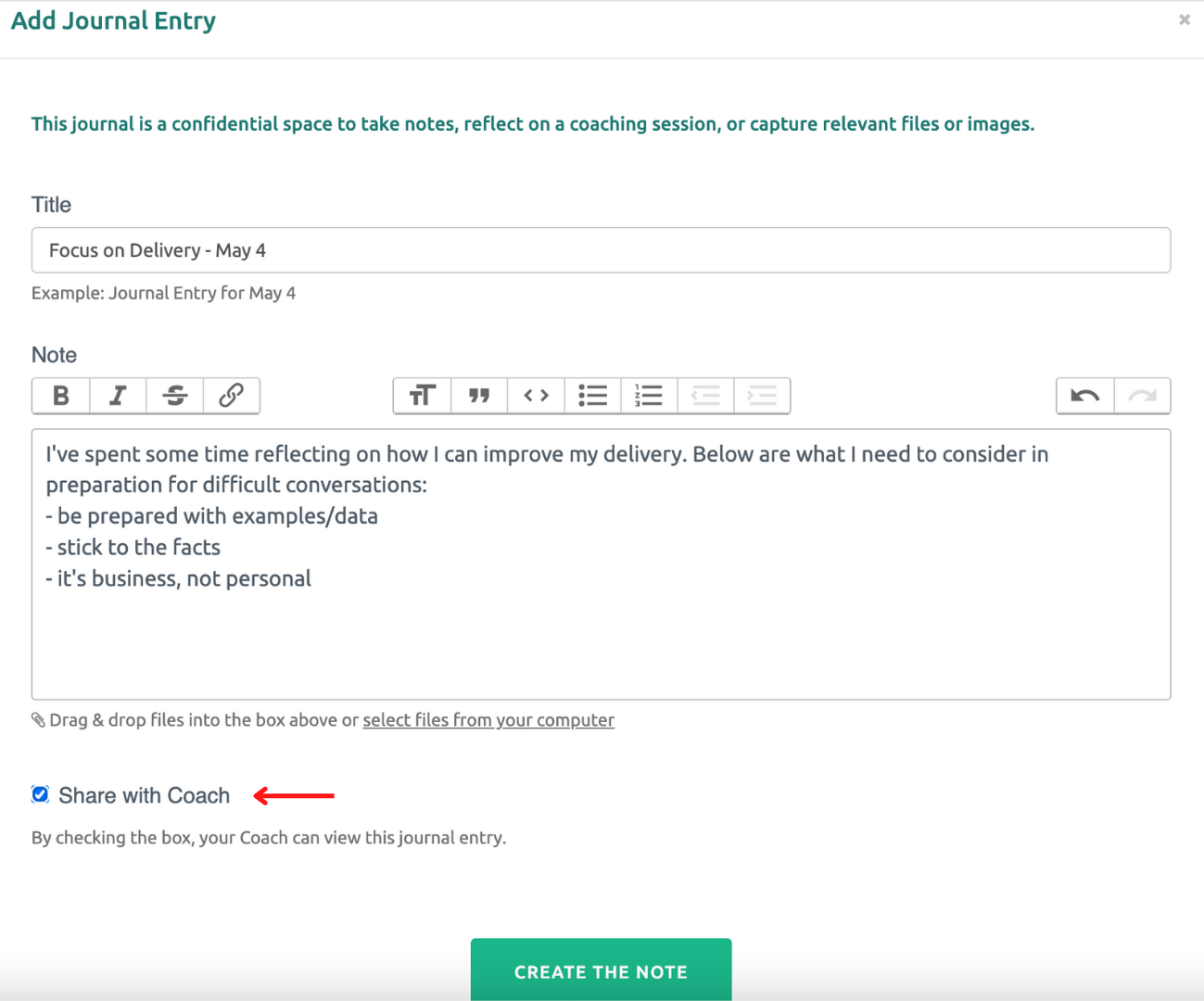
The Participant also has the option to share a Journal entry with his/her coach. To make a Journal entry visible to the coach, click on the check box under the text box.
The Participant can edit or delete a Journal entry by clicking the title of the Journal entry, then selecting either the pencil icon (to edit) or the trash can (to delete).
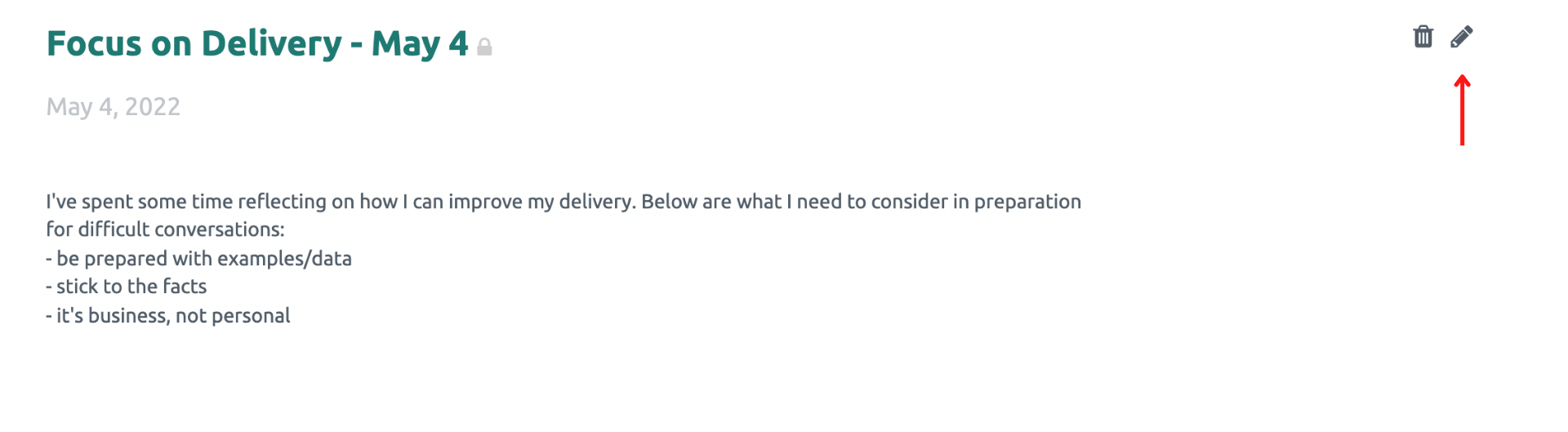
Journal entries will be displayed by create and/or update date on the Participant’s Participant Journal page.
Note: Participant Journals that have been shared with the Coach display an icon under the date.